
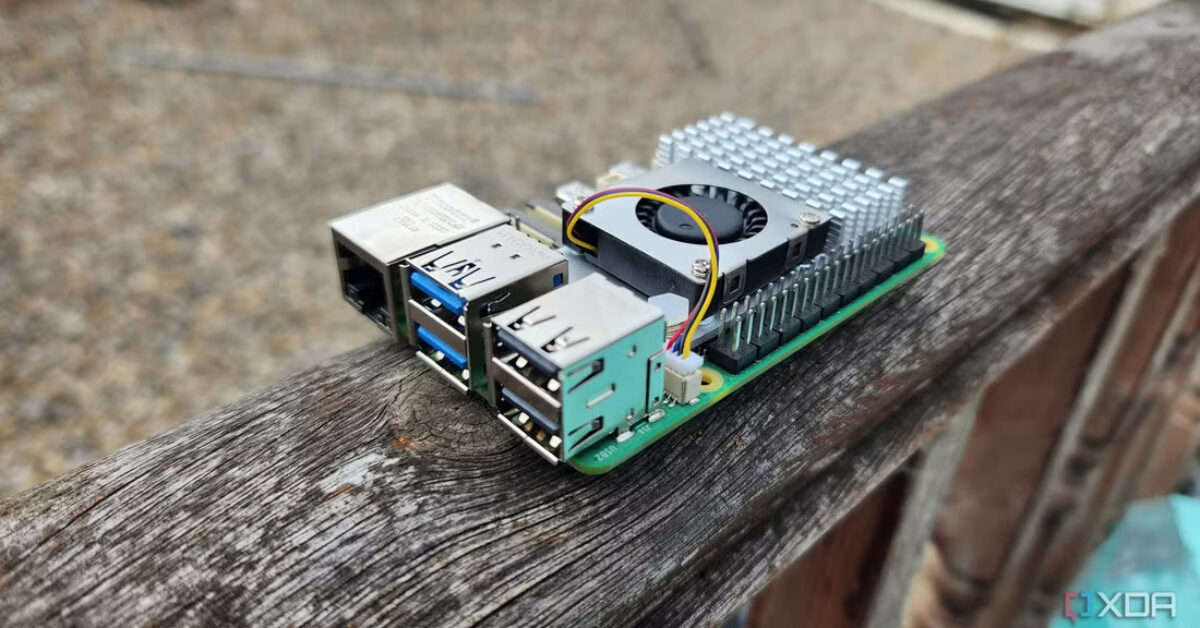
These open source apps run as well on Raspberry Pi as they do on my laptop
The article from XDA Developers explores the impressive performance of open-source applications on the Raspberry Pi 5. Christian, the author, a seasoned user of both Raspberry Pi and Linux laptops, tests a range of applications to see if the device can truly serve as a desktop replacement. The article highlights the smooth operation of productivity tools like Chromium and LibreOffice. With LibreOffice handling a complex spreadsheet without issues. It also covers creative apps such as GIMP and Inkscape. They perform remarkably well for a single-board computer, with GIMP being only slightly slower than on the author’s laptop.
Beyond typical desktop applications, Christian also successfully uses more demanding software. They were pleasantly surprised by the efficiency of Audacity for audio editing and the solid video rendering performance of KdenLive. The article concludes that the Raspberry Pi 5, paired with a selection of optimized applications, has matured into a capable platform. It is presented as a viable and ready-made low-budget alternative to a traditional desktop or Chromebook, offering a compelling blend of performance and affordability for everyday computing tasks.
What we recommend for an office setup:
- Raspberry Pi Official Pi5 8GB Desktop Kit EU
- USB3.0 microSD Card Reader/Writer
- Raspberry Pi 15.6″ Monitor Red/White
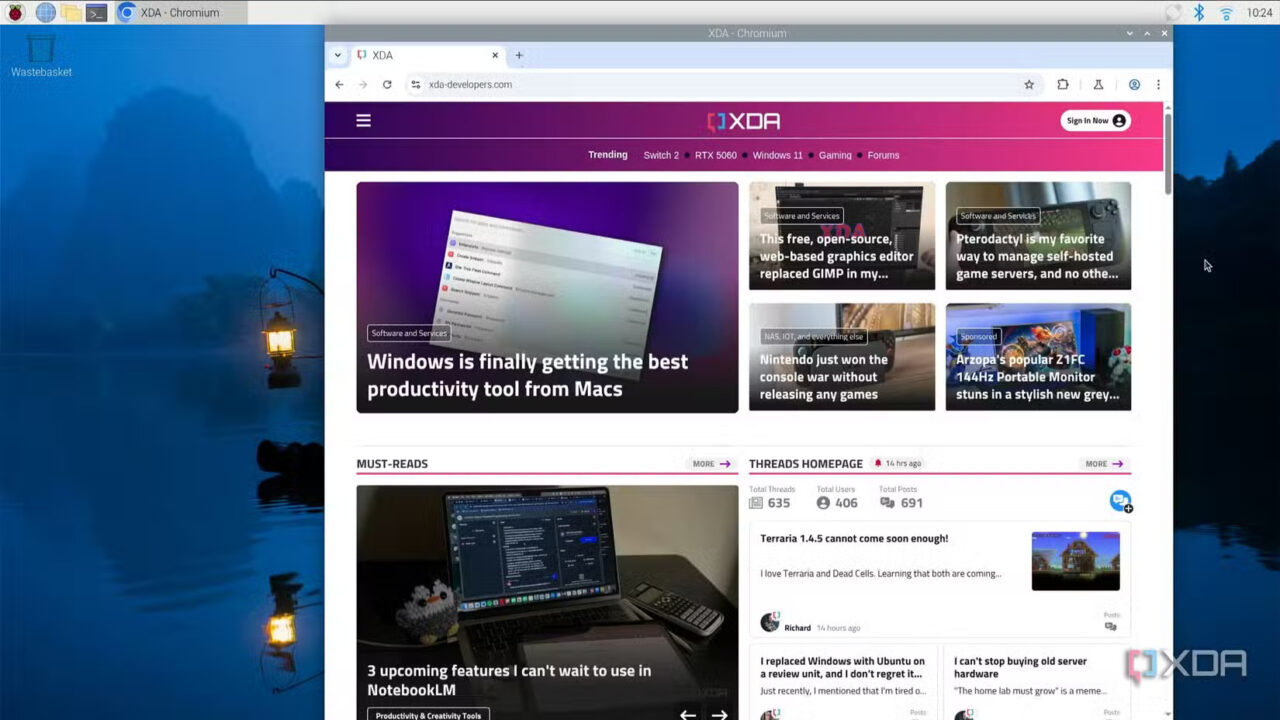
Originally published on xda-developers.com by Christian Cawley on 01/07/2025
Disclaimer: The content in this post includes excerpts from other blogs and websites. Full credit for the original work goes to the respective authors and publications. This content is shared here for informational purposes only, to give our customers direct insight on where to purchase the mentioned items, and all rights remain with the original creators.