
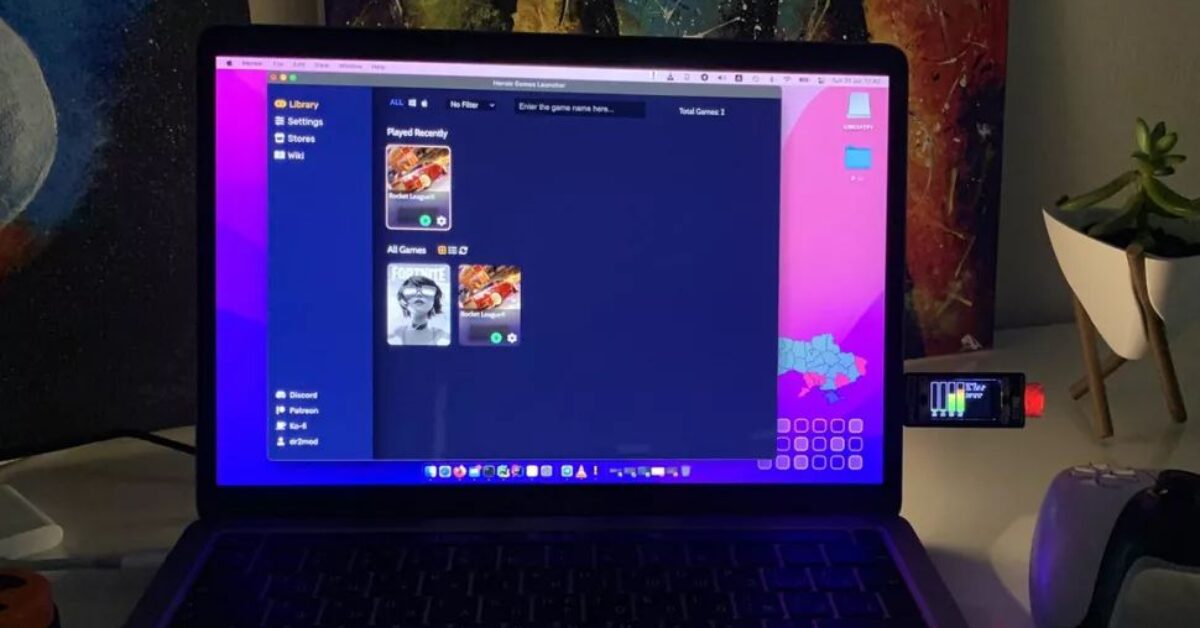
Raspberry Pi Pico Used in Plug and Play System Monitor
Dmytro Panin is at it again, creating a teeny system monitor for his MacBook from scratch with help from our favorite microcontroller, the Raspberry Pi Pico. This plug-and-play system monitor lets him keep a close eye on resource usage without having to close any windows or launch any third-party programs.
The device is Pico-powered and plugs right into the MacBook to function. It has a display screen that showcases a custom GUI. Featuring four bar graphs that update in real-time to show the performance of different components. Including the CPU, GPU, memory, and SSD usage. It makes it possible to see how hard your PC is running at a glance.
The module in action
Panin released a demo video of the module in action that is available on Twitter. In the demo, we see the hardware stats update automatically on the Pico Display Pack without the need to launch a third-party application on his machine. To the side of the bar graphs are more details for network usage and CPU temperature.
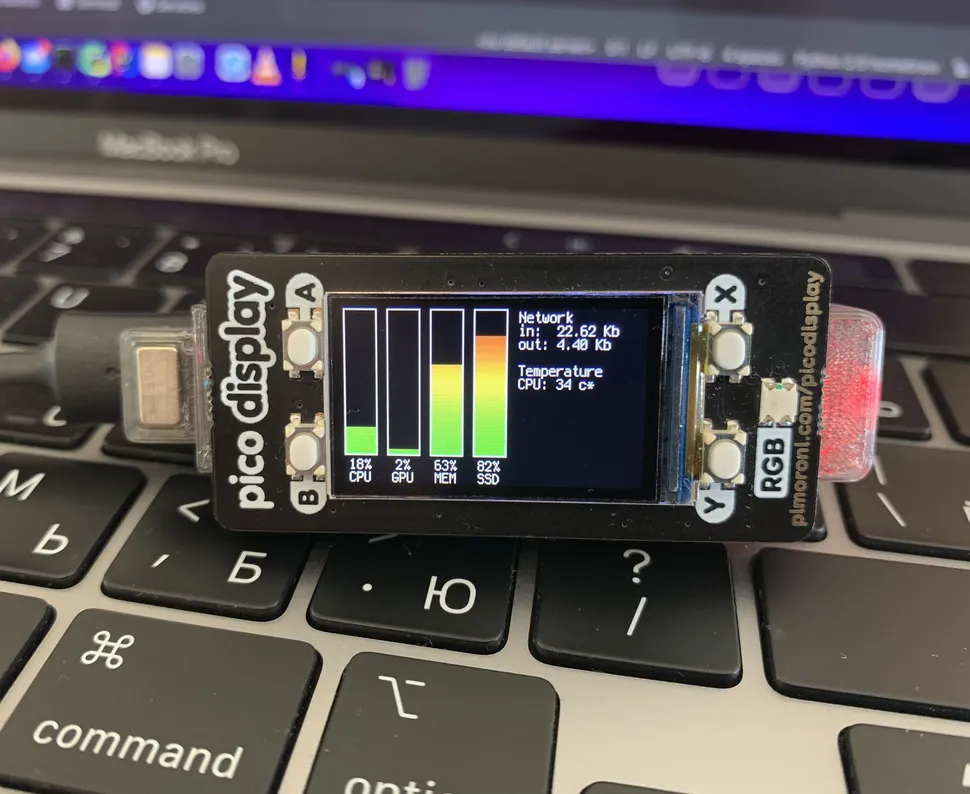
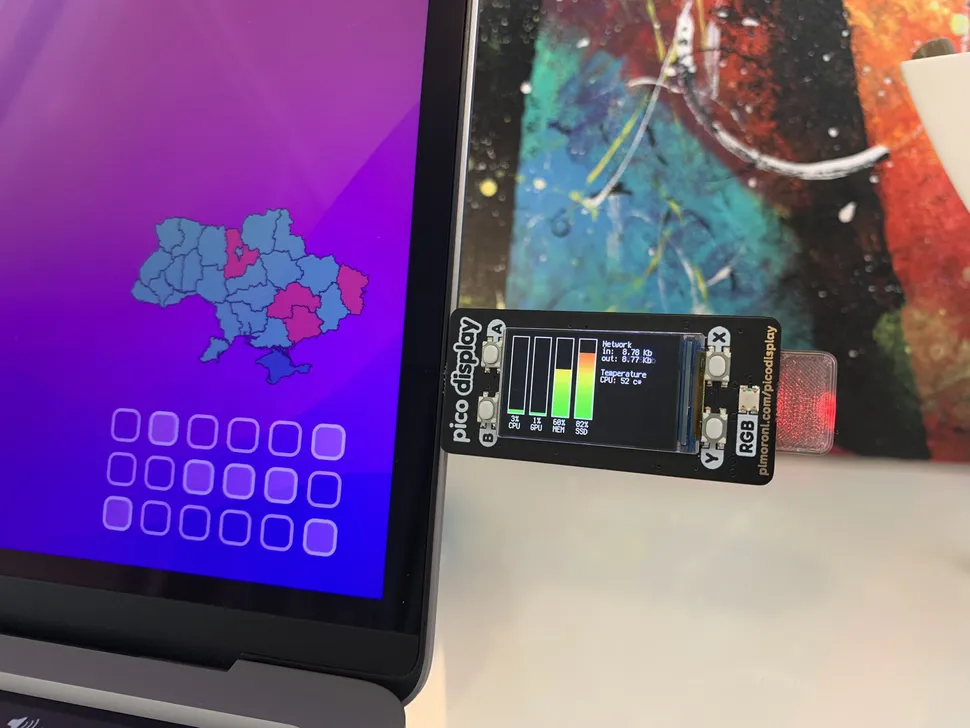
Recreating this project requires very little in the way of hardware. At the bare minimum, you’ll need a Raspberry Pi Pico and a Pimoroni Pico Display Pack. Users can also add an LED for a status indicator which would require a resistor to complete the circuit. Finally, there is a 3D printed component, which will also come out on Panin’s Printable’s profile.
The code for the system monitor was written by Panin using Circuit Python. To install the software, users need to plug in the Pico to a PC and then drag and drop the Circuit Python application to the Pico. Users can copy and explore the code for themselves over at GitHub.
Read More: Raspberry Pi Pico Used in Plug and Play System Monitor | Tom’s Hardware