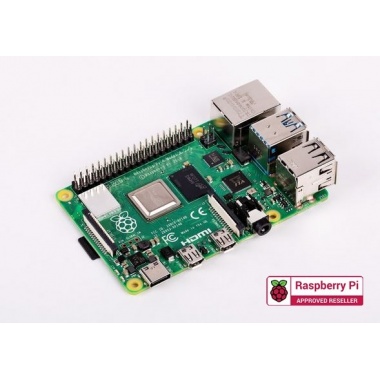
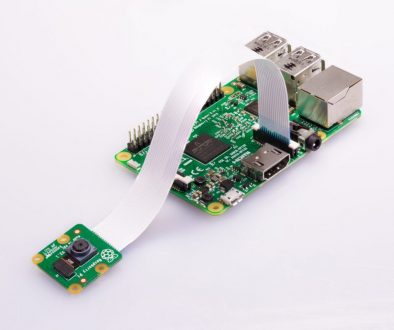
Learn about your Raspberry Pi, what things you need to use it, and how to set it up.
We also have a three-week online course available on the FutureLearn platform, and a Raspberry Pi forum, including the Beginners section, if you want to ask questions and get support from the Raspberry Pi community.
Starting with version 2020-04-16 of the Raspberry Pi 4 bootloader, diagnostic information can be displayed at boot time on an HDMI display.
To see this diagnostic information, power down the Raspberry Pi 4, remove the SD card, then power back up. A diagnostic display similar to below should appear on the attached display.
You probably need to re run raspiconfig and re set the correct character set for your keyboard.
The Pi expects a UK keyboard by default.
The “internationalisation options” section of raspi-config (Run sudo raspi-config from the command-line) will enable you to select your keyboard type and language etc.